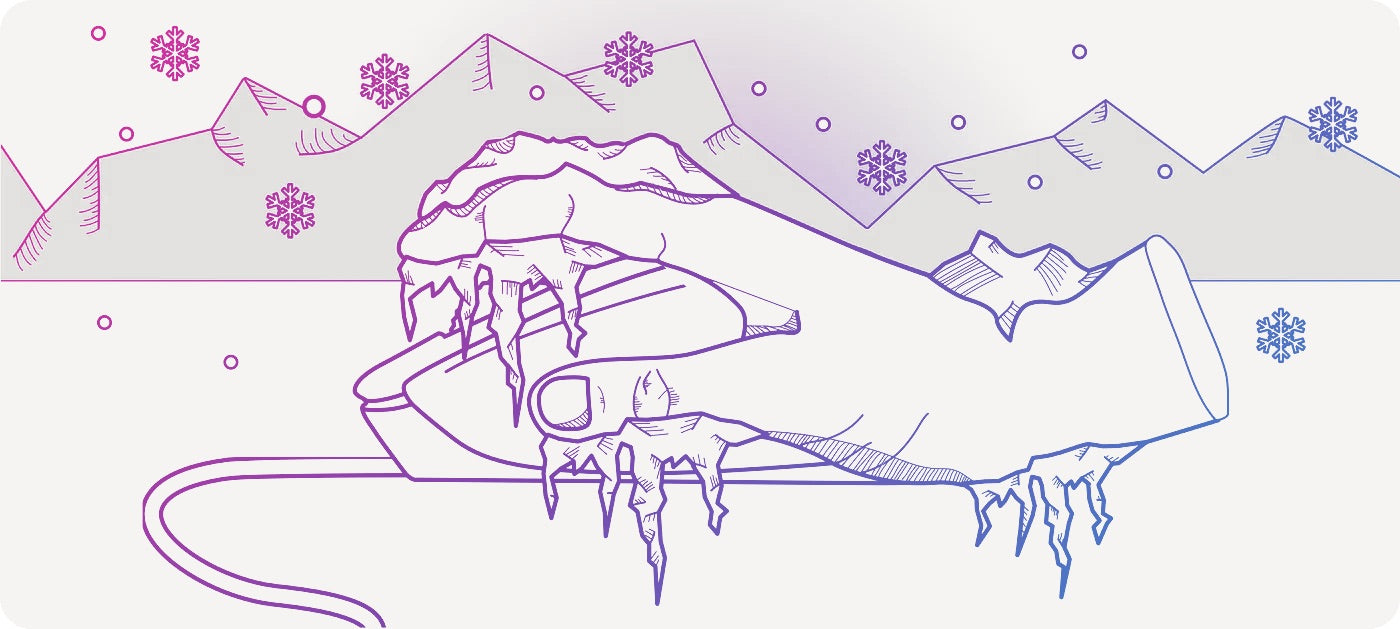
Do you sometimes get cold fingers while gaming or working on your PC? Do your fingers and hands even sometimes fall asleep or do you feel a tingling sensation in your hands?
Sensory disturbances in the extremities can have a wide variety of causes – from a room that's too cold to underlying medical conditions . Cold hands while using a computer are actually quite common. Whether it's both hands getting cold fingers or just the hand holding the mouse suddenly feeling cold, asking around often elicits a "Yes, I know that feeling," but also a "No idea what causes it." I've investigated this topic for you and gotten to the bottom of it. In this article, you'll learn where cold fingers and sensory disturbances while gaming come from, what you can do yourself to combat them, and when you should see a doctor.
A muscle with a lot of responsibility
Cold fingers and hands are usually due to circulatory problems. The reasons for this are varied. A rare cause is low blood pressure. One of the most common, however, is tense neck muscles . This is usually caused by discomfort affecting the upper trapezius muscle.

The trapezius muscle, or musculus trapezius, is a fairly large muscle that extends from the thoracic spine, through the cervical spine, to the occipital bone of your head, and also reaches the shoulder blade. Its main volume is located in the back, with only a small portion of its total circumference in the shoulder and back of the head. So much for the location of the trapezius muscle, but what function does it actually perform?
The trapezius muscle is always engaged when you rotate or raise your arm , as it rotates and lifts the shoulder blade. It's also involved when you turn your head, and very importantly, it extends the cervical spine, ensuring you can hold your head upright. However, it's not only responsible for maintaining posture. As scientists have now discovered, the neck muscles are connected to an important area of the brain that influences, among other things, the control of breathing, heart rate, and blood pressure . This finding is a real game-changer in the treatment of hypertension symptoms that are not attributable to any other underlying condition, but it's also important to know about our comparatively minor problem: cold fingers . Why?
Cold fingers: When the muscles can no longer function
When the neck muscles are tense, a physical dysfunction occurs . Where there is no flexibility, other flexible components cannot function properly. This means that if the neck muscles are hardened and tense, their lack of flexibility constricts blood vessels . This physical obstruction disrupts blood flow. In turn, this affects the exchange of blood between the brain and the rest of the body, because our circulatory system is a circulatory system, with the heart acting as its pump. On its journey through the body, our blood travels a corresponding path, passing through the shoulders, into the arms, to the hands, and down to the fingertips, where the smallest blood vessels, the capillaries, are located. If blood pressure doesn't increase significantly, there isn't enough pumping power to force sufficient blood through the physical obstruction to the fingertips – and your fingers get cold. While this sounds alarming, it's fortunately only a harmless, albeit annoying , effect that won't cause your fingers to fall off. After all, blood flow is reduced, but not completely cut off. But why does this happen to you specifically, and especially when gaming, when you never get cold fingers otherwise? And most importantly: why is your mouse hand the most affected?
When we sit at the PC and have the mouse in our hand, you often do the following:
With your forearm resting on the desk and your hand on the mouse, you extend your arm . This hyperextension of the arm results in an opening angle of over 90° at your elbow . For this movement, you pull your shoulder forward, pulling your shoulder blades apart . Maintaining this position places a significant strain on your trapezius muscle. It bears the brunt of the load for your arm in this position and is therefore overloaded . Since our neck muscles are already under considerable strain from prolonged sitting in front of the screen and lack of movement, this incorrect posture causes the muscle to tense up even further, impairing blood flow to such an extent that your fingers become cold.

The abnormal sensations in the fingers can also include tingling and even
Numbness or tingling in the limbs can occur when the muscles are so severely tense that nerves are also affected. This is often the case when cervical spine syndrome is already present. In this case, the cervical spine itself is not necessarily affected.

However, numerous other functional disorders of the musculoskeletal system can arise from the aforementioned tensions , which can then, for example, also impair the function of the facet joints. This is because any tension makes our body stiff, and in the back area, therefore also immobile, as important movement patterns are blocked. Thus, a blockage of the facet joints can also affect nerves, leading to abnormal sensations. Among the
Dizziness, headaches, and difficulty concentrating can occur. The reasons for this also lie in the resulting circulatory disturbance, as the cranial nerves don't receive enough blood or oxygen. In this case, your brain essentially goes into energy-saving mode. In the worst-case scenario, this can lead to high blood pressure due to the misdirected signal exchange between the neck muscles and the brain.
Generally, any form of tingling or numbness in the limbs or abnormal blood pressure should be checked by a doctor to rule out serious illnesses. However, the most common cause of cervical spine syndrome and tingling or numbness in the fingers is painful, but ultimately harmless, neck tension, which you can prevent or even get rid of. But what can you do if you have to spend a lot of time at the computer?
The right posture is your GAME CHANGER -
The right gaming chair will support you in this.
Do you have to live with cold fingers when gaming on your PC? The clear answer is “No”, because you can avoid overstraining your trapezius muscle and benefit from better concentration at the same time.

When it comes to back pain and the right office chair , the focus is often on what an ergonomic gaming chair can do for the lumbar spine – the lower back. And without a doubt, lower back pain is widespread, and the lower back absolutely needs the right support. That's why the ergonomic GAMECHANGER features a height-adjustable backrest , modeled on the natural double-S shape of the human spine, and can be individually adjusted to a pronounced inward curve of the lower back with an additional, depth-adjustable lumbar support . However, the upper back and the muscles of the shoulder girdle don't necessarily always signal overuse with pain – which doesn't mean they don't need support. On the contrary: The symptoms mentioned above, such as cold fingers while gaming, are also indicators of tension and strain , without necessarily being accompanied by neck pain.
 Furthermore, tension in the shoulder muscles can also manifest as a subtle burning sensation. At GAMECHANGER , we constantly emphasize the importance of integrating and correctly using armrests when sitting at your PC. Ergonomic 4D armrests are essential for this , and the GAMECHANGER gaming chair features them. Thanks to their flexible adjustment options, they can be individually adapted to your build, height, and preferred sitting position. Here's how to adjust your GAMECHANGER to use the armrests correctly:
-
To adjust the chair correctly, it is important that you first get into an upright sitting position .
-
Sit on the chair so that your back is in full contact with the backrest . This is important to ensure your back is optimally supported.
-
Your monitor should be positioned according to your natural reading posture. To check this , pick up a book and observe how you hold it while reading. The top edge of the monitor should be 2-5 cm below your eyebrows. Ideally, when sitting upright, your gaze will meet the top edge of the monitor at an angle of approximately 35°, with the monitor itself tilted back by about 35°.
- Your legs should also have an opening angle of slightly more than 90 ° between your upper and lower legs, and your pelvis should be slightly higher than your knees.
- Finally, adjust the armrests. You'll know they're at the correct height when your elbows, with your upper arms held vertically, are roughly level with the edge of the table. Ideally, your elbows should be at a 90° angle when the armrests and tabletop are at the same height. Your arms should also be close to your body – this prevents your shoulders from hunching forward and your shoulder blades from spreading. It also avoids hyperextension of the arm and thus strain on the trapezius muscle.
To help you find the optimal setting for your GAMECHANGER, Janet explains in this video exactly what you need to do to find the perfect seating position.
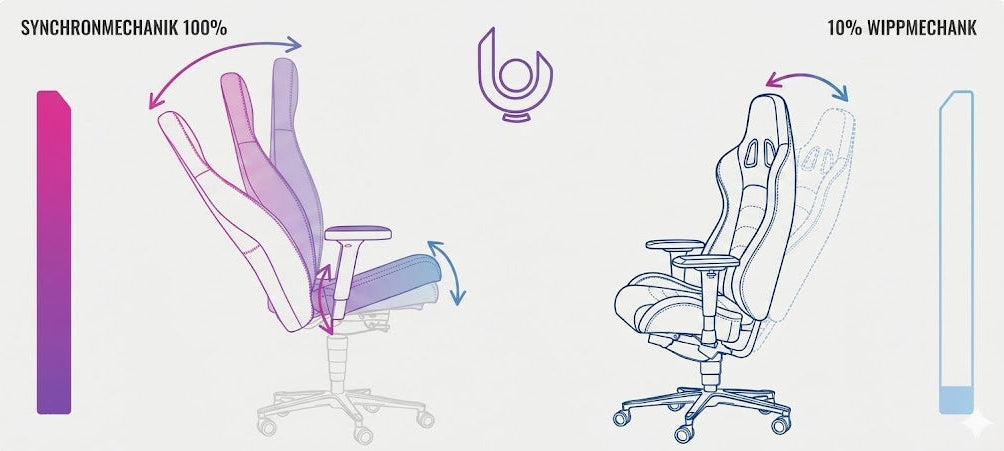
Of course, an ergonomic gaming chair is only half the battle, because as always, relief is paramount. You can achieve this by combining a dynamic seating option , like the one offered by the GAMECHANGER, with sufficient movement and stretching exercises for the most stressed muscle groups in your body.
And because the ergonomic GAMECHANGER gaming chair adapts 100% to you and your needs , you decide on its features. Simply click through our configurator and upgrade your armrests with extra padding. This way, you'll not only game without cold fingers , but also be twice as comfortable. What are you waiting for? Change Your Game!
|
Sources: Tanja Unterberger: Cervical spine syndrome, netdoktor.de Cervical spine syndrome in: DocCheck.com Flexicon . |